All services
Service 01 — our main service

Listing Visualisation

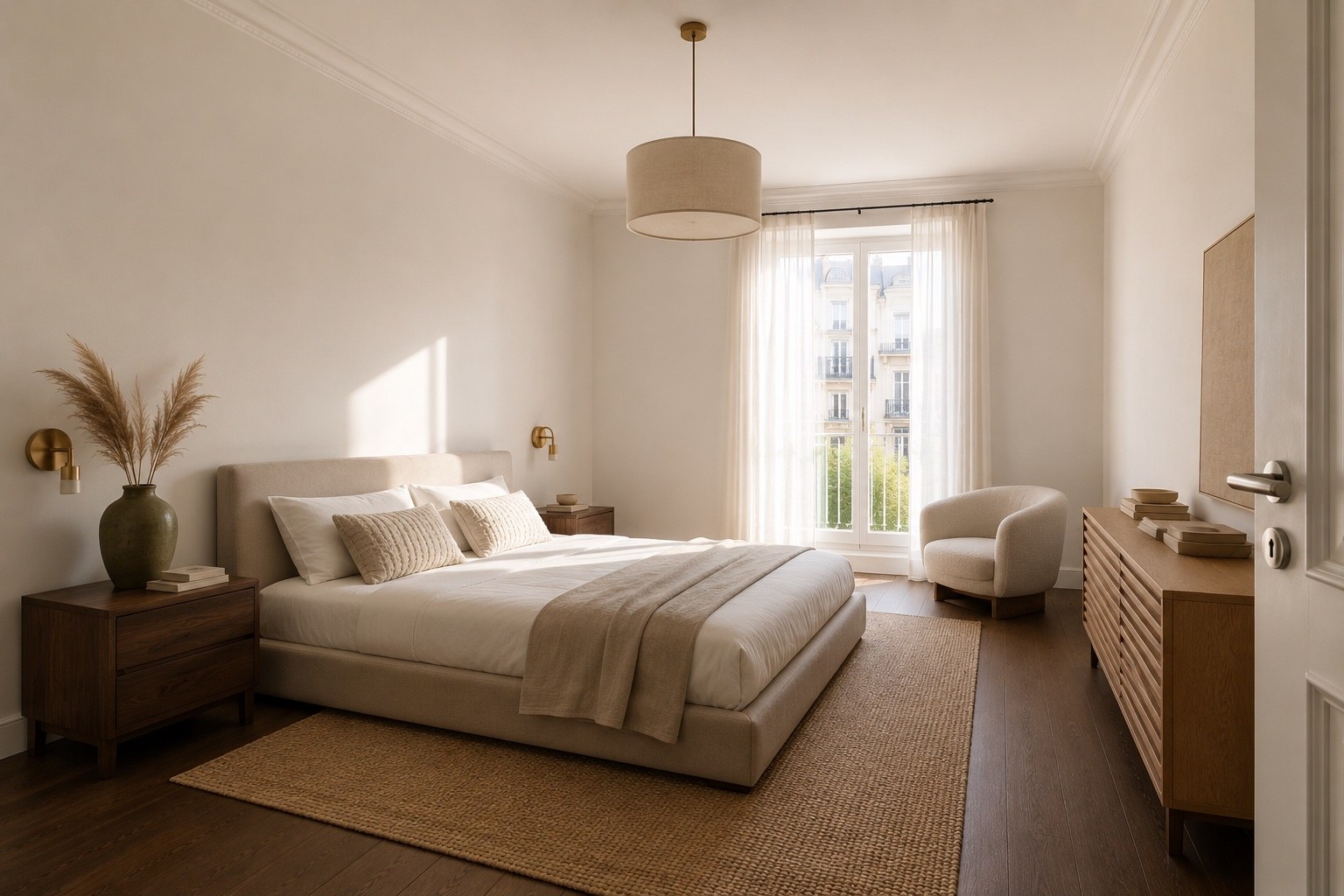
Send us the photos you already have — whether the property is completely empty, part-furnished, or simply has an outdated interior. We send back the same rooms, visualised, from the same camera position, sized to drop straight into your portal listing, brochure or window card.

No site visit, no photographer, no waiting on a furniture rental company. The property never has to be touched.

Request a quote
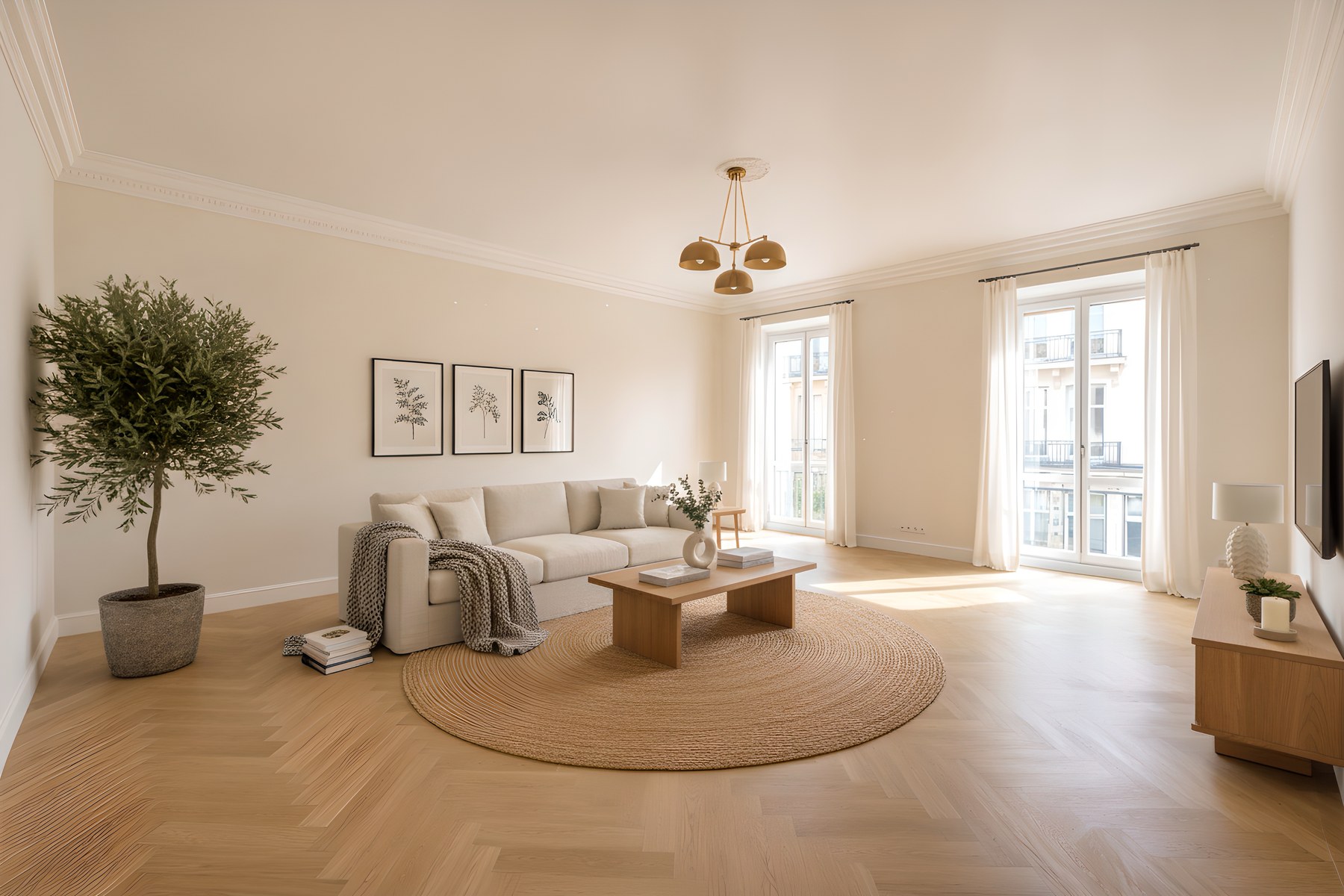
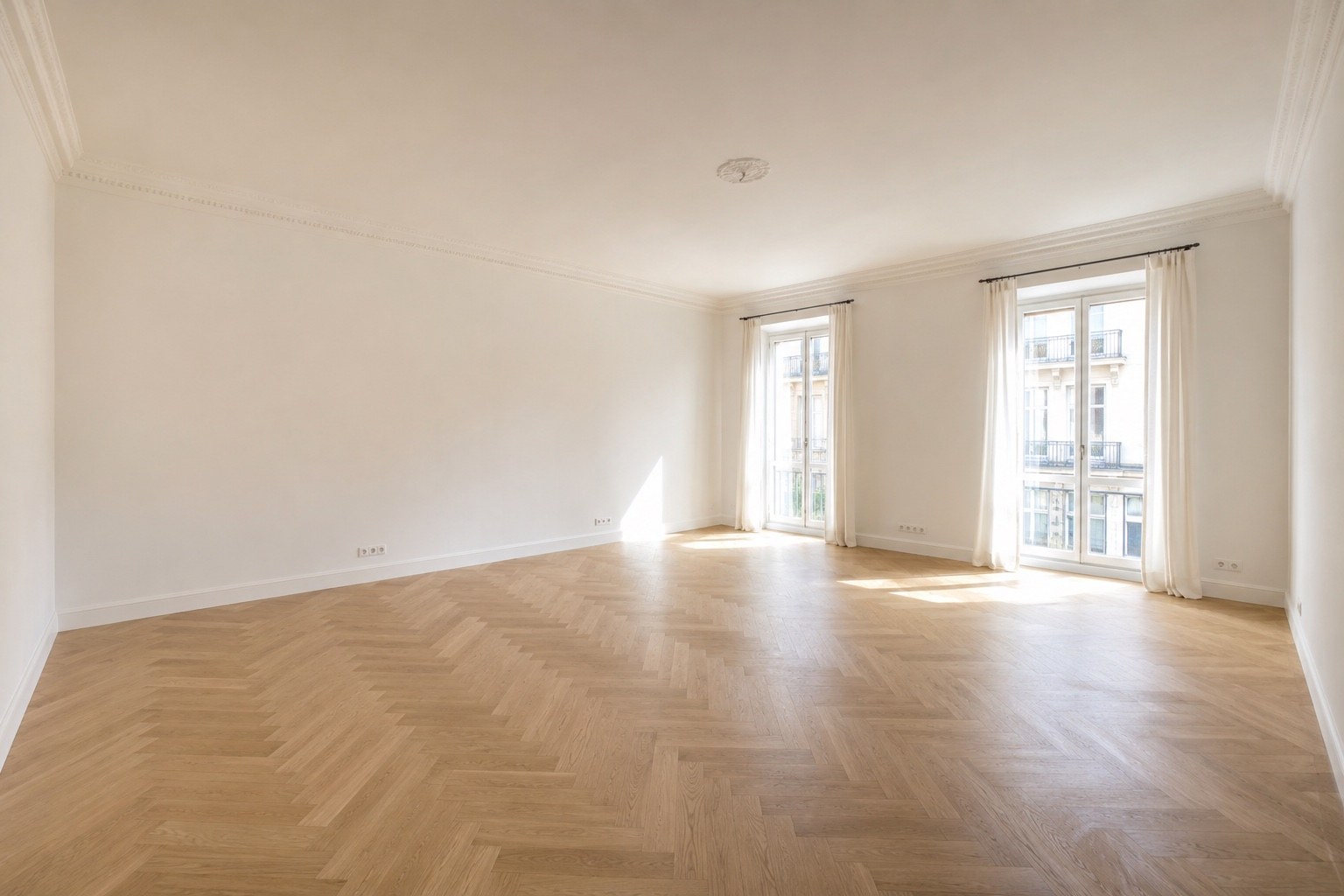
The same room visualised with furniture
The room as listed, unfurnished
Your photo
What we send back
Drag to compare
The problem it solves
Two ways a listing loses attention

An unfurnished room is close to information-free. Bare walls, a floor, maybe a window. There's nothing for a viewer to measure against, so they can't tell a generous room from a tight one, and they've no idea whether their own furniture would fit. The listing gets a two-second glance and a scroll.

An outdated room fails differently. Brown carpet, a tired kitchen or a room full of the current owner's belongings gives a viewer plenty to look at — all of it the wrong thing. They judge the decor and stop seeing the space behind it. In both cases visualising the room doesn't change the property, it just gives the viewer something to hold on to.

What's included
Every image you get back

Scaled to the room

Furniture sized against the room's real dimensions, so the visual is honest about how much space there actually is.

Your camera angle

Same viewpoint as the photo you sent, so it sits naturally beside your other listing images.

Matched lighting

Furniture lit to match the daylight already in your photo, including the direction shadows fall.

Portal-ready files

High-resolution, correctly sized, and labelled as a visualisation so you can publish it compliantly.

More rooms
The same idea, other spaces

Drag across each one. Every pair is the same room — nothing structural has been changed.

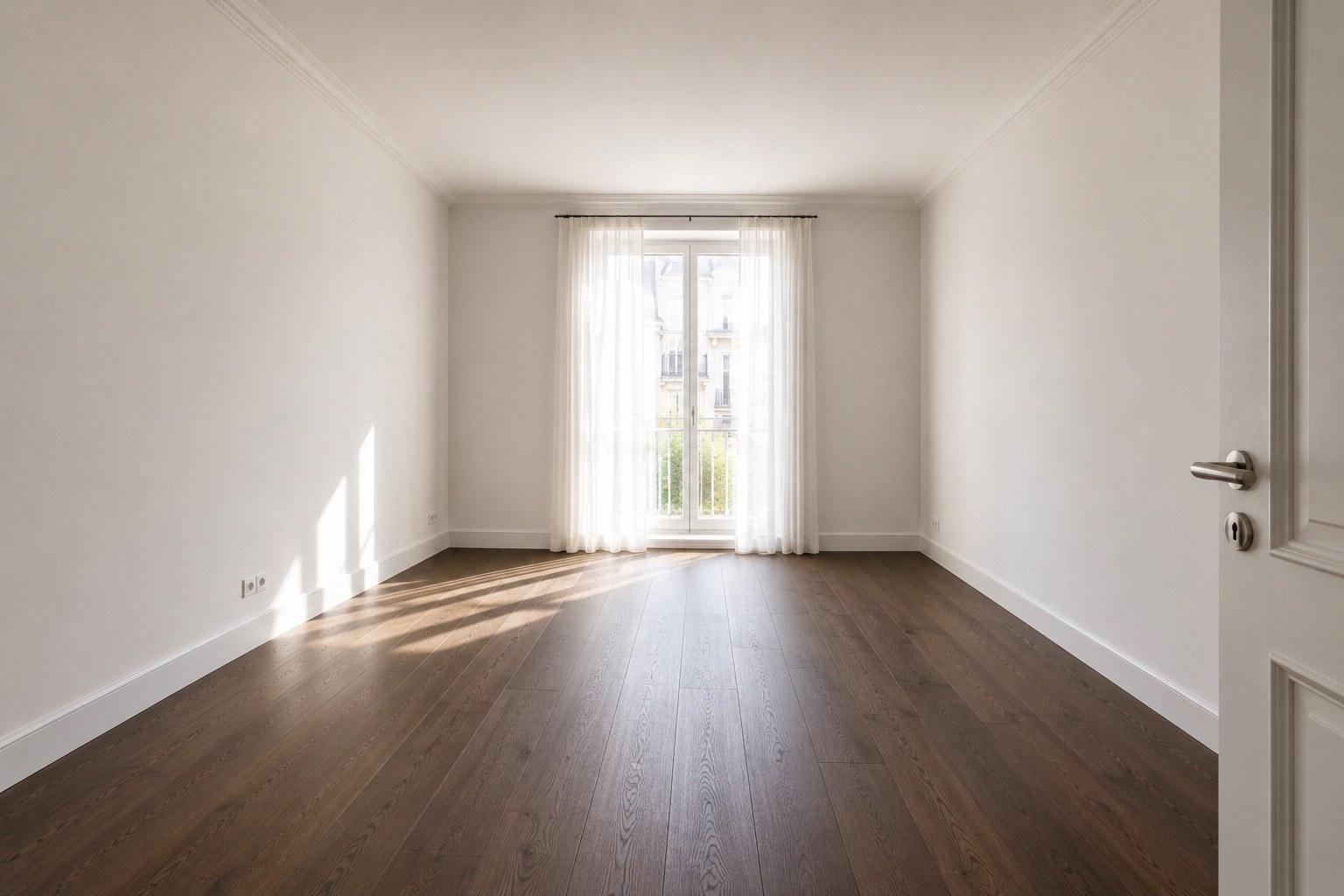
Bedroom visualised
Empty bedroom
Empty
Visualised
Bedroom — an empty box becomes a double bedroom
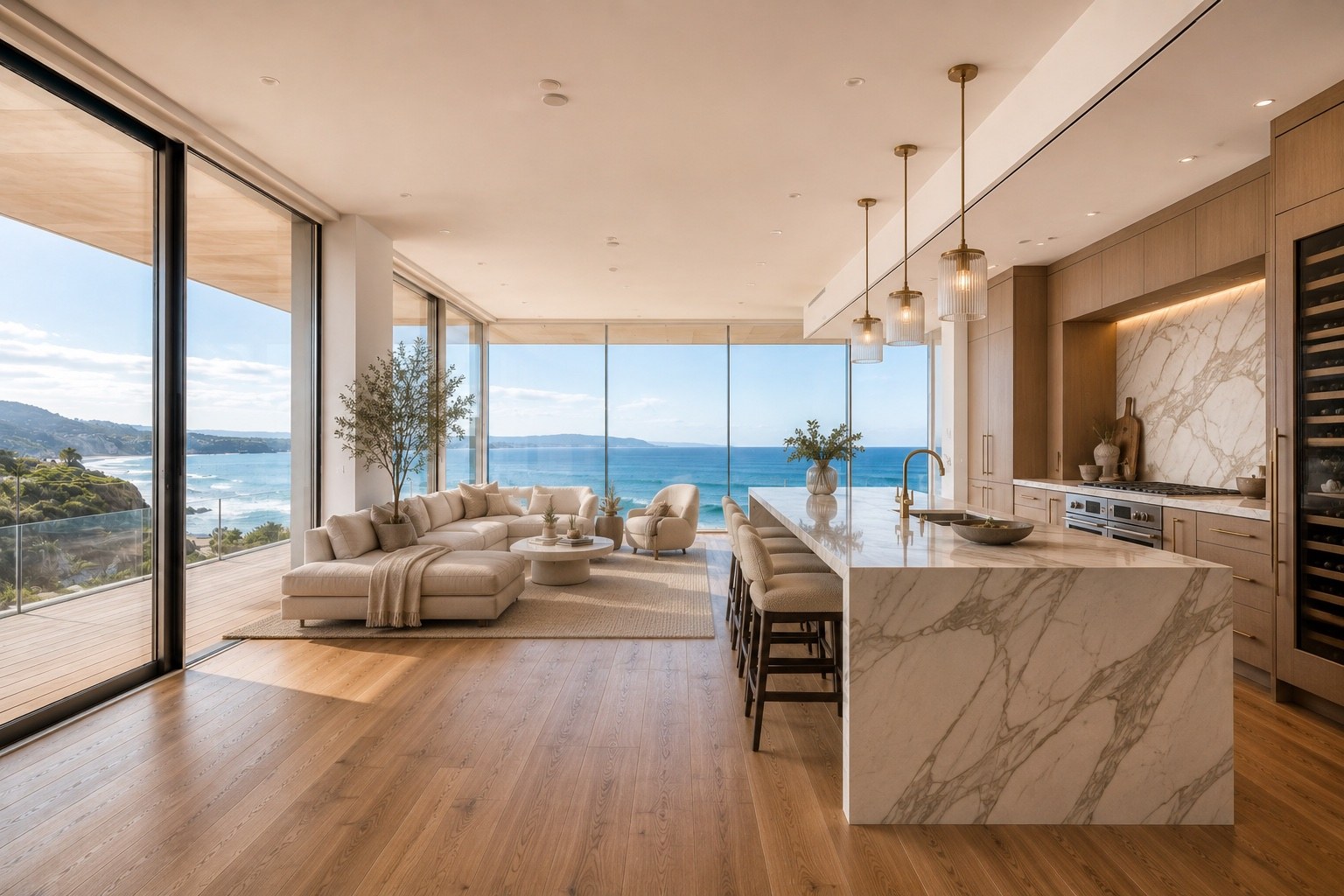
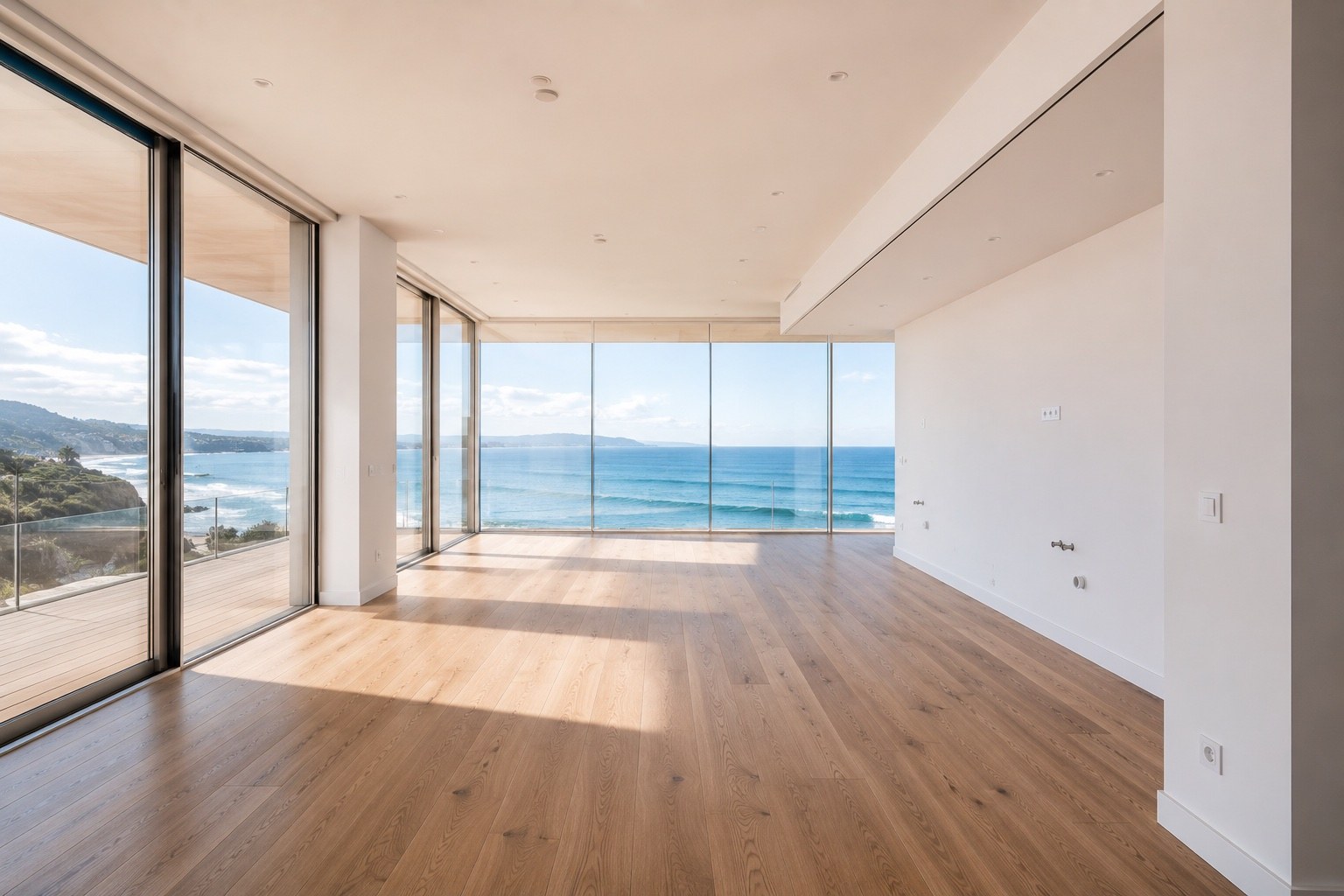
Open-plan living space visualised
Empty open-plan space
Empty
Visualised
Open plan — shows where the living and dining zones sit
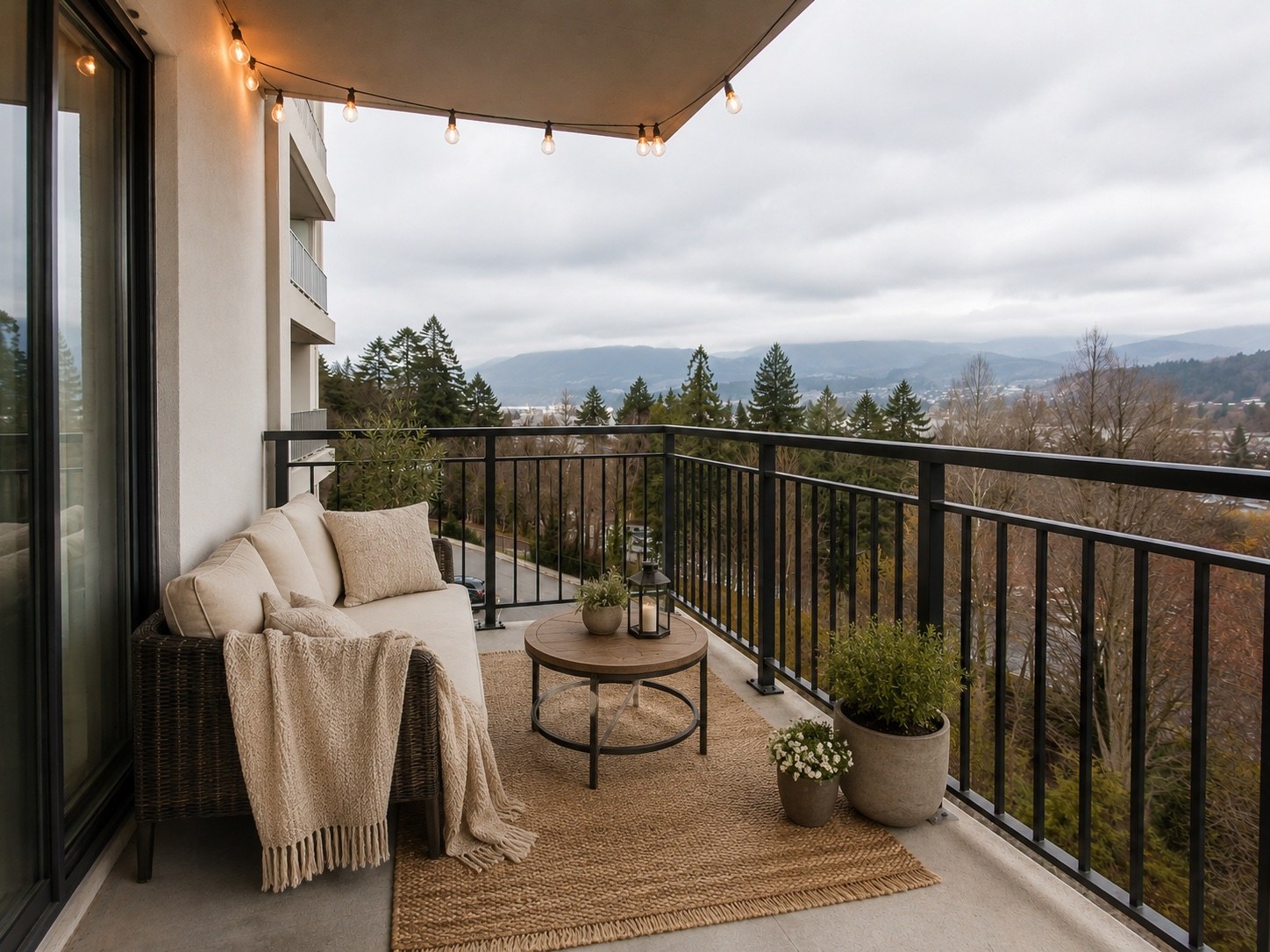
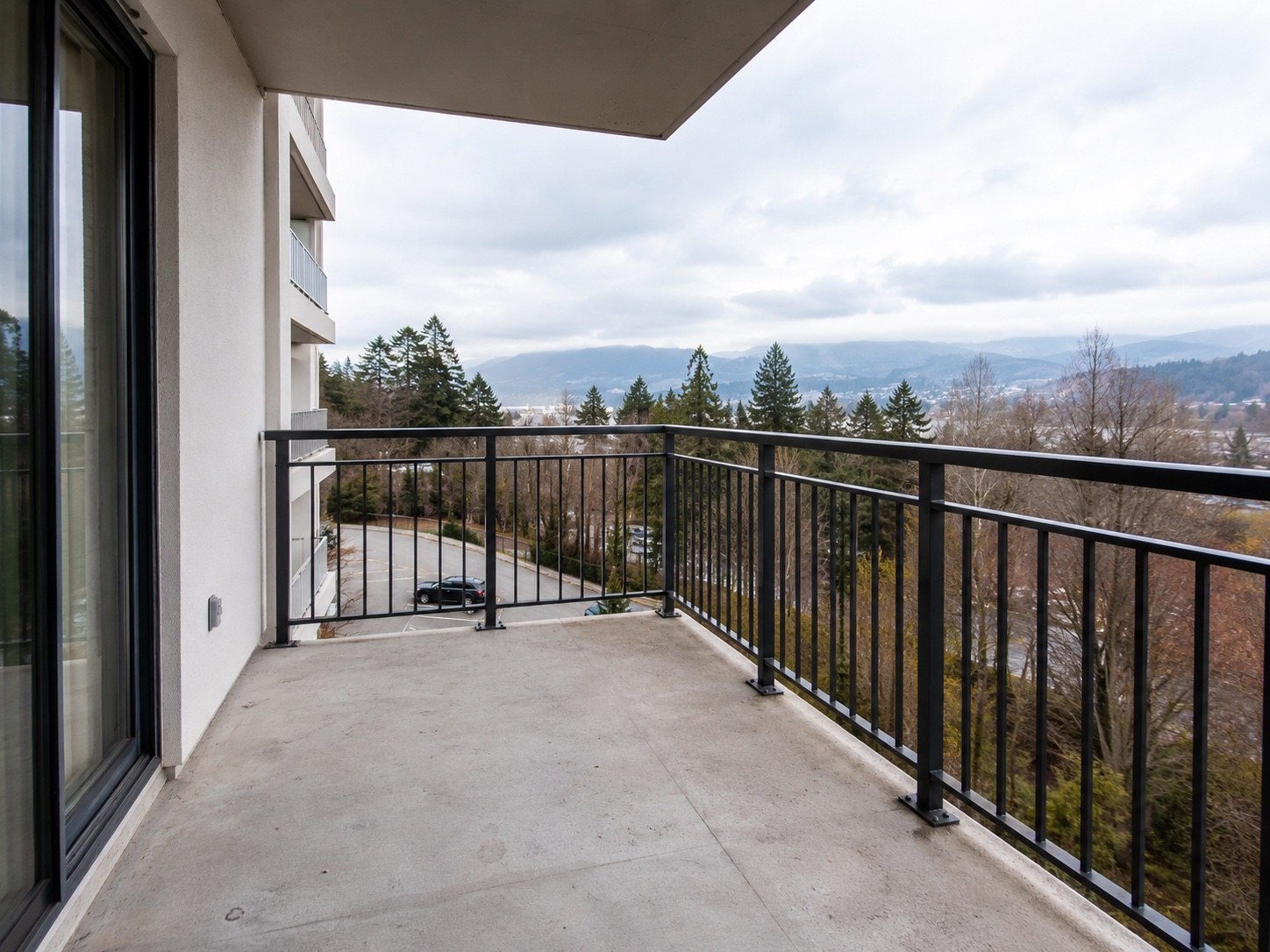
Balcony visualised
Empty balcony
Empty
Visualised
Balcony — proves the outdoor space is actually usable
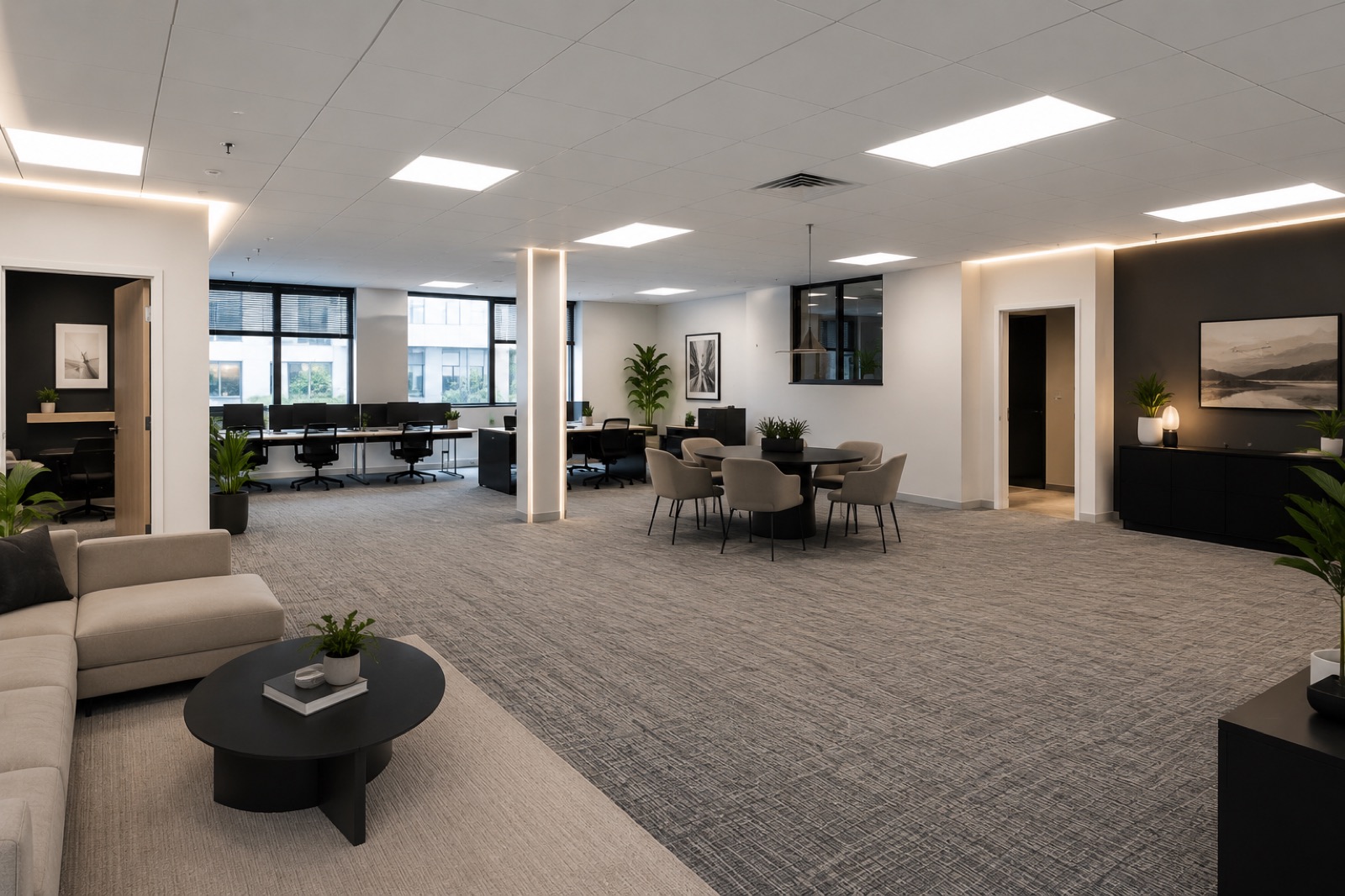
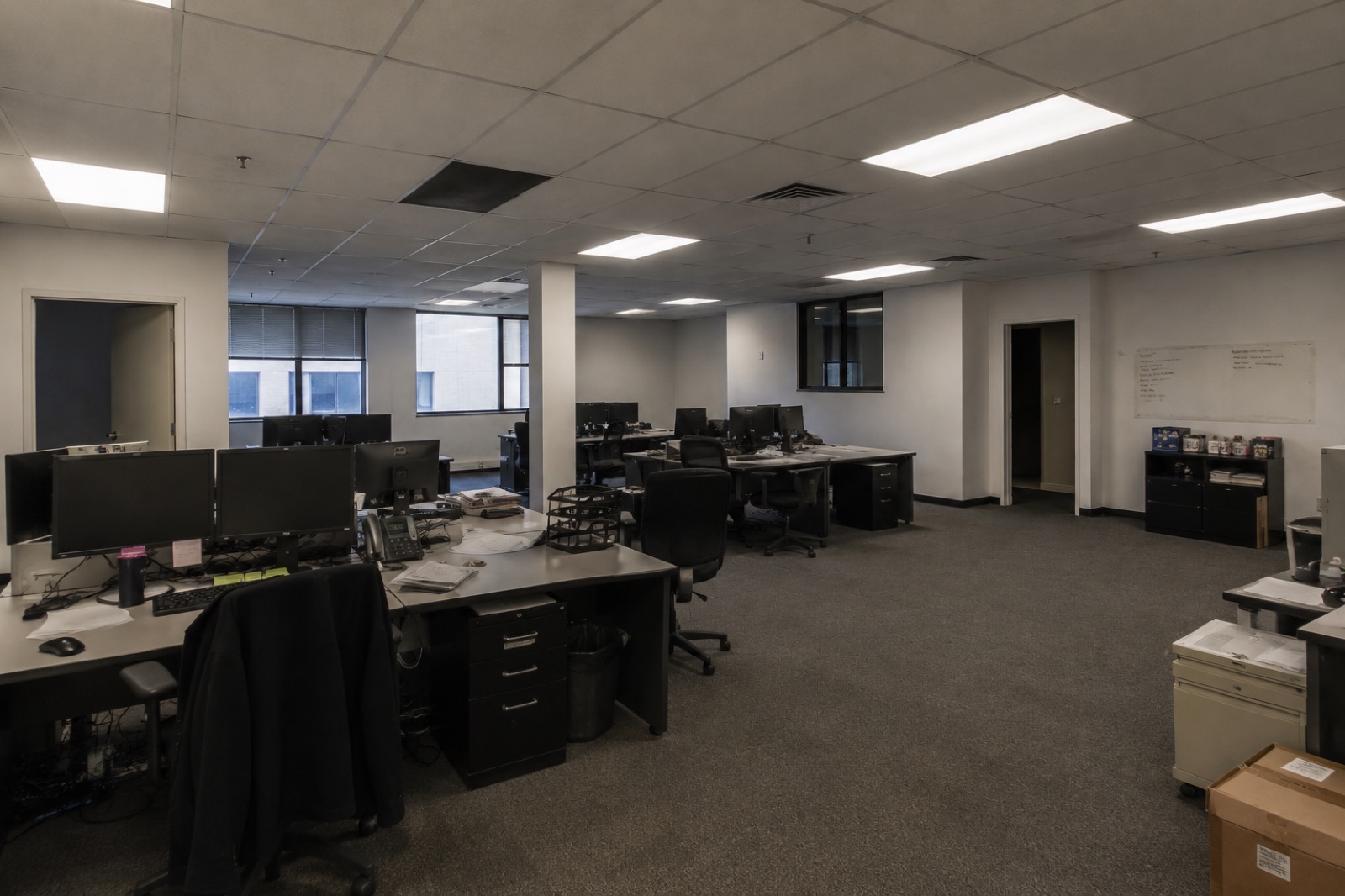
Commercial floor visualised
Dated commercial floor
As-is
Visualised
Commercial — an outdated floor shown as a tenant could use it
Before you send
How to photograph an empty room

You almost certainly already have usable photos. If you're shooting fresh, these four things make the difference.

1.
Shoot from a cornerStanding in a corner gets the most floor and two walls into frame — that's what we need to place furniture convincingly.
2.
Keep the camera levelHeld at about chest height and not tilted up or down. A tilted photo makes walls lean, and furniture placed into it looks wrong.
3.
Get the whole floor inWe need to see where the floor meets the walls. If the bottom of the frame cuts off the floor, there's nothing to stand furniture on.
4.
Curtains open, lights onNatural light shows the room honestly. We match our lighting to yours, so the better your light, the better the result.

Send us one room and see

Attach a photo when you enquire and we'll tell you straight away whether it'll work, and what a full listing would cost.

Request a quote